A few years ago, enabling Two-Factor Authentication (2FA) was something only tech-savvy users bothered with. Most people relied on a strong password and assumed that was enough to keep their accounts secure.
Today, that’s no longer the case.
Cybercriminals have become more sophisticated than ever. Data breaches happen almost daily, phishing emails are becoming incredibly convincing, and stolen passwords are widely available on underground marketplaces. In this environment, relying solely on a password is like protecting your house with a lock while leaving the spare key under the doormat.
Whether you’re checking email, managing online banking, running a business, or simply scrolling through social media, Two-Factor Authentication has become a necessity rather than an optional security feature.
What Is Two-Factor Authentication?
Two-Factor Authentication adds a second layer of security to your online accounts.
Normally, you log in using something you know, which is your password. With 2FA enabled, you must also provide something you have, such as:
- A code generated by an authentication app
- A security key
- A fingerprint or facial recognition scan
- A one-time code sent to your mobile device
Even if someone manages to steal your password, they still can’t access your account without the second verification factor.
Think of it like using both a house key and a security alarm system. If one layer fails, another is there to stop unauthorized access.
Passwords Alone Are No Longer Enough
Many people continue to use weak passwords or reuse the same passwords across multiple websites.
This creates a major security problem.
Imagine your favorite shopping website suffers a data breach. If you used the same password on your email account, social media profiles, or cloud storage, cybercriminals can try that password elsewhere.
This attack method, known as credential stuffing, remains one of the most successful hacking techniques because people frequently reuse passwords.
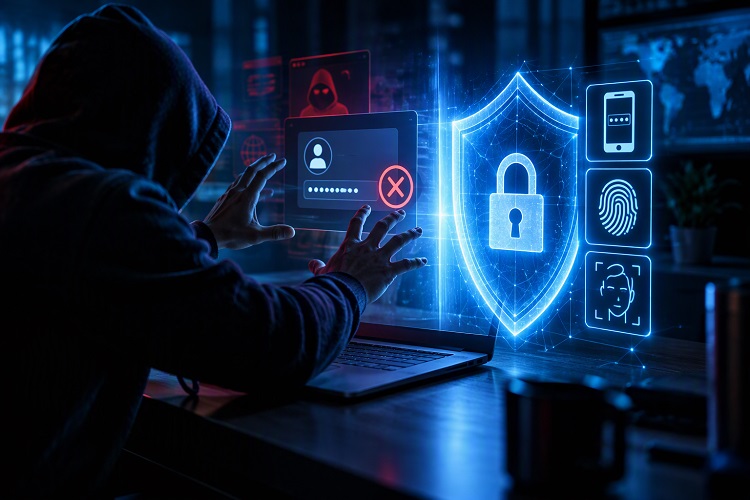
Even strong passwords can be compromised through:
- Data breaches
- Fake login pages
- Malware infections
- Public Wi-Fi attacks
- Social engineering scams
The reality is that no password is completely immune to theft.
Two-Factor Authentication helps close that gap.
The Rise of AI-Powered Cybercrime
Artificial Intelligence is transforming many industries, but it’s also giving cybercriminals powerful new tools.
Modern phishing scams can generate convincing emails that appear to come from:
- Banks
- Government organizations
- Employers
- Online services
- Popular brands
These messages often look authentic enough to deceive even cautious users.
Attackers can now automate large-scale phishing campaigns, create realistic fake websites, and personalize scams using publicly available information.
As cyber threats become smarter, individuals need stronger security measures.
2FA serves as an important barrier that can prevent stolen credentials from being used successfully.
Your Email Account Is the Real Target
Many people focus on securing social media accounts while overlooking their email account.
This is a costly mistake.
Your email serves as the gateway to many other services. If criminals gain access to it, they can potentially reset passwords for:
- Online banking
- Shopping accounts
- Social media profiles
- Cloud storage services
- Work-related platforms
Once an attacker controls your email, recovering your digital identity can become extremely difficult.
Enabling Two-Factor Authentication on your email account should be one of the first security steps you take.
Businesses Are Increasingly Requiring 2FA
Organizations around the world are making Two-Factor Authentication mandatory for employees.
The reason is simple.
A single compromised employee account can lead to:
- Financial losses
- Customer data exposure
- Ransomware attacks
- Reputation damage
- Regulatory penalties
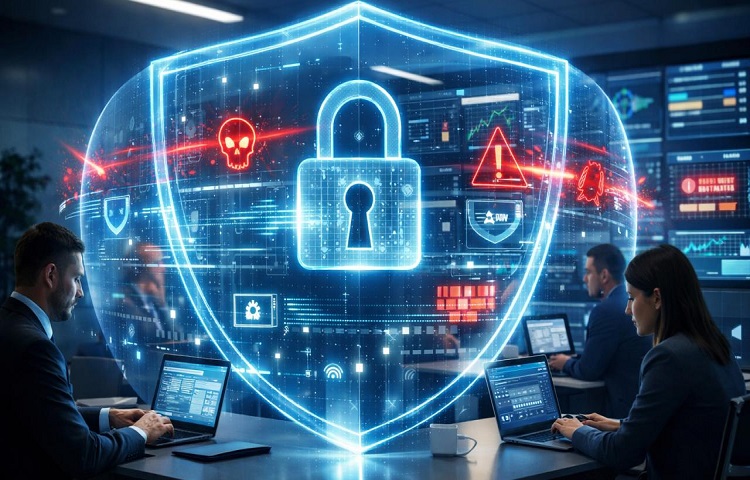
Remote work has expanded the attack surface for businesses. Employees now access sensitive systems from homes, co-working spaces, hotels, and mobile devices.
With so many entry points available, businesses increasingly view 2FA as a basic security requirement rather than an advanced option.
Financial Accounts Need Maximum Protection
Online banking has made managing money more convenient than ever.
Unfortunately, it has also made financial accounts attractive targets for cybercriminals.
A stolen banking password can potentially give criminals access to:
- Savings accounts
- Investments
- Credit cards
- Mobile banking applications
Most financial institutions now support some form of multi-factor authentication because passwords alone cannot adequately protect customer accounts.
📖 Related Reads
For users, enabling every available security feature is simply common sense.
After all, recovering a compromised social media account is frustrating. Recovering stolen money can be far worse.
Not All 2FA Methods Are Equal
While any form of Two-Factor Authentication is better than none, some methods provide stronger protection.
Best Options
✅ Authentication apps (Google Authenticator, Microsoft Authenticator, Authy)
✅ Hardware security keys
✅ Passkeys
These methods are generally more secure because they’re harder for attackers to intercept.
Less Secure But Better Than Nothing
⚠️ SMS verification codes
⚠️ Email-based verification codes
Although widely used, these methods can sometimes be targeted through SIM-swapping attacks or email compromise.
Whenever possible, choose authentication apps or security keys over SMS verification.
The Convenience Argument No Longer Holds Up
One of the biggest reasons people avoid Two-Factor Authentication is convenience.
Some users feel entering an extra code takes too much time.
In reality, most authentication apps can verify your identity in seconds.
Compare that small inconvenience with the consequences of:
- Identity theft
- Financial fraud
- Lost business data
- Account lockouts
- Recovery headaches
Spending five seconds entering a verification code is a small price to pay for significantly stronger security.
The Growth of Passkeys and Passwordless Security
Technology companies are gradually moving toward passwordless authentication.
Passkeys are becoming increasingly popular because they offer a simpler and more secure login experience.
Instead of remembering complex passwords, users authenticate using:
- Fingerprints
- Face recognition
- Device-based security credentials
While passwords may remain with us for years, the future of account security is shifting toward stronger forms of authentication.
Two-Factor Authentication is an important step in that transition.
How to Enable 2FA Today
Getting started is easier than many people think.
For most online services:
- Log in to your account.
- Open Security or Account Settings.
- Locate Two-Factor Authentication.
- Choose an authentication app if available.
- Save backup recovery codes.
- Test the setup before logging out.
Prioritize these accounts first:
- Banking
- Cloud storage
- Social media
- Work accounts
- Shopping platforms
Securing these critical accounts significantly reduces your overall risk.
Final Thoughts
Cybersecurity is no longer a concern reserved for large corporations or IT professionals. Every internet user is a potential target.
The days when a password alone could adequately protect your digital life are gone. Data breaches, phishing attacks, credential stuffing, and AI-powered scams have changed the security landscape permanently.
Two-Factor Authentication adds a powerful second layer of defense that can stop attackers even when they have already obtained your password.
In 2026 and beyond, enabling 2FA is no longer a recommendation. It’s a basic requirement for anyone who cares about protecting their personal information, finances, and online identity.
The question isn’t whether you should enable Two-Factor Authentication.
The real question is: why haven’t you enabled it already?